eSIM, SIM Card, or Pocket Wi-Fi: Choosing Your Japan Internet Option
This guide contains affiliate links. If you book through them, Kyoto Journey may earn a small commission at no extra cost to you. Learn more.
Every practical thing you’ll do in Kyoto on a given day — checking the bus number before it pulls away, pulling up a map when the alley you’re on doesn’t match what you expected, translating a menu, confirming a reservation for a kaiseki dinner or a ticketed attraction — assumes you have data in your pocket. Japan’s public Wi-Fi has improved a lot over the years, but it’s still patchy enough that building a trip around it is a mistake. The good news is getting online here is no longer the ordeal it was a decade ago. The slightly annoying part is that there are now three reasonable ways to do it, and the right one depends more on your phone and your travel style than most guides let on.
The Essentials at a Glance
| Option | Typical Cost | Best For |
|---|---|---|
| eSIM | Roughly ¥1,000–4,000 for a week of data, depending on the plan | Solo travelers and couples with a recent, eSIM-capable phone who want data the moment they land |
| Physical SIM card | Roughly ¥3,000–5,000 for a week, plus a counter or vending-machine stop | Visitors with an older unlocked phone, or anyone who’d rather hand cash to a person than fiddle with a QR code |
| Pocket Wi-Fi | Roughly ¥800–1,500 per day for the rental | Groups and families sharing one device, or anyone with a phone that doesn’t take a SIM at all |
eSIM: The Easiest Option for Most Visitors
An eSIM is a SIM card without the card — a small profile you install on your phone by scanning a QR code, rather than a physical chip you insert. For a trip to Kyoto, that one difference changes the whole experience: you can buy a plan, install it, and test that it works before you’ve even packed, so your phone is online the second you land at Kansai Airport rather than after you’ve found a counter and queued behind everyone else off your flight.
The catch is compatibility. Not every phone supports eSIM, and some phones sold locked to a specific carrier back home can’t install a second profile even if the hardware technically supports it. It’s worth checking your phone’s settings for an eSIM option before you commit — on an iPhone this is under Settings > Cellular, on Android it’s usually under Settings > Network & Internet > SIMs, worded slightly differently by manufacturer. Most phones from the last five or six years handle it fine, but a quick check beats finding out at the airport.
For an eSIM aimed specifically at short trips, Airalo’s Japan plans are a reasonable starting point — you pick a data amount and a validity period, pay online, and get a QR code by email that you can install days before you fly. One thing worth knowing: Japan has been tightening identity-check rules around mobile data, and more providers now ask for a photo of your passport during checkout than did a year or two ago. It’s a minor extra step, not a reason to avoid eSIM, but it’s worth doing the purchase a day or two before departure rather than from the taxi to the airport.
Physical SIM Cards: When They Still Make Sense
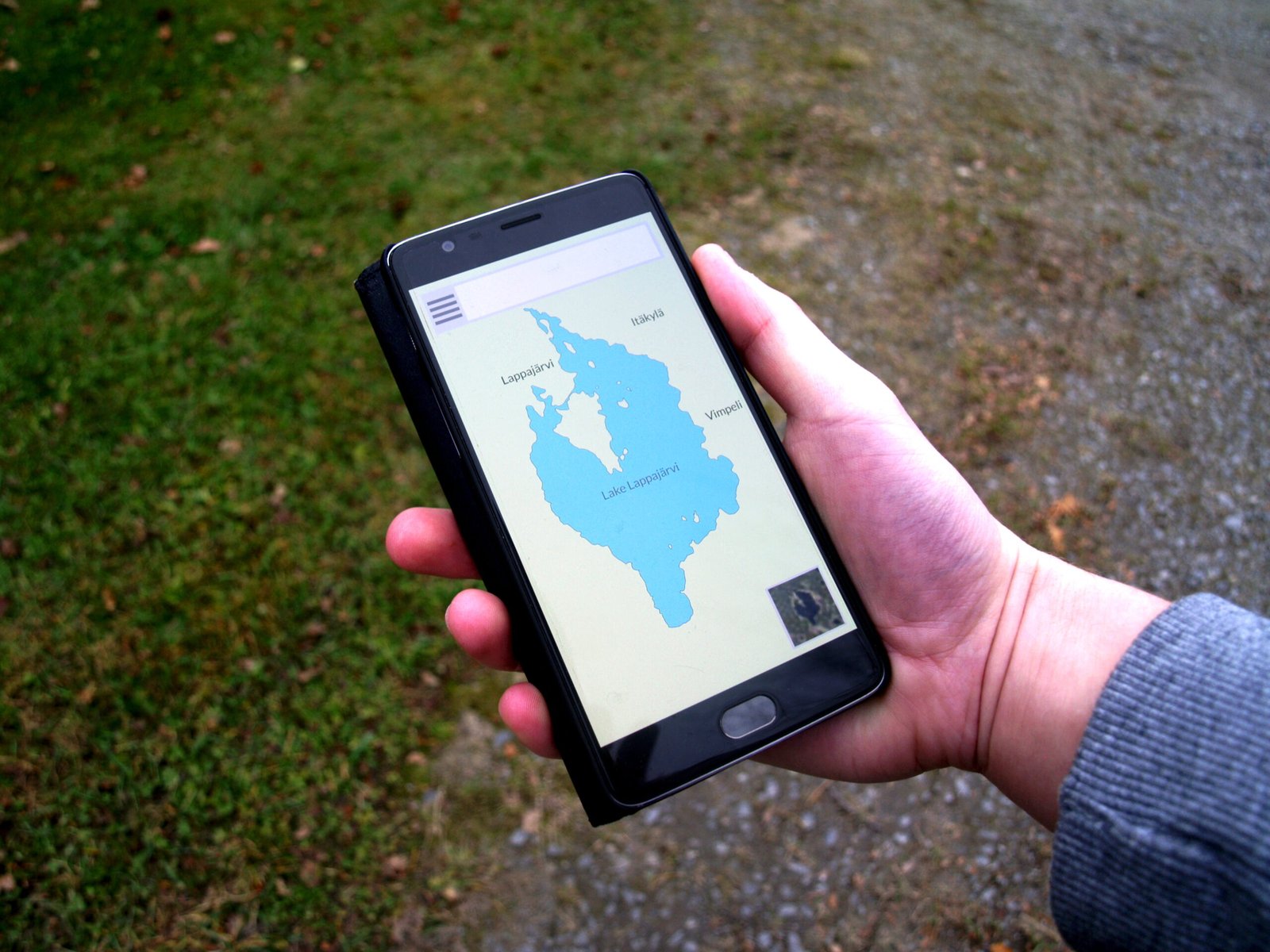
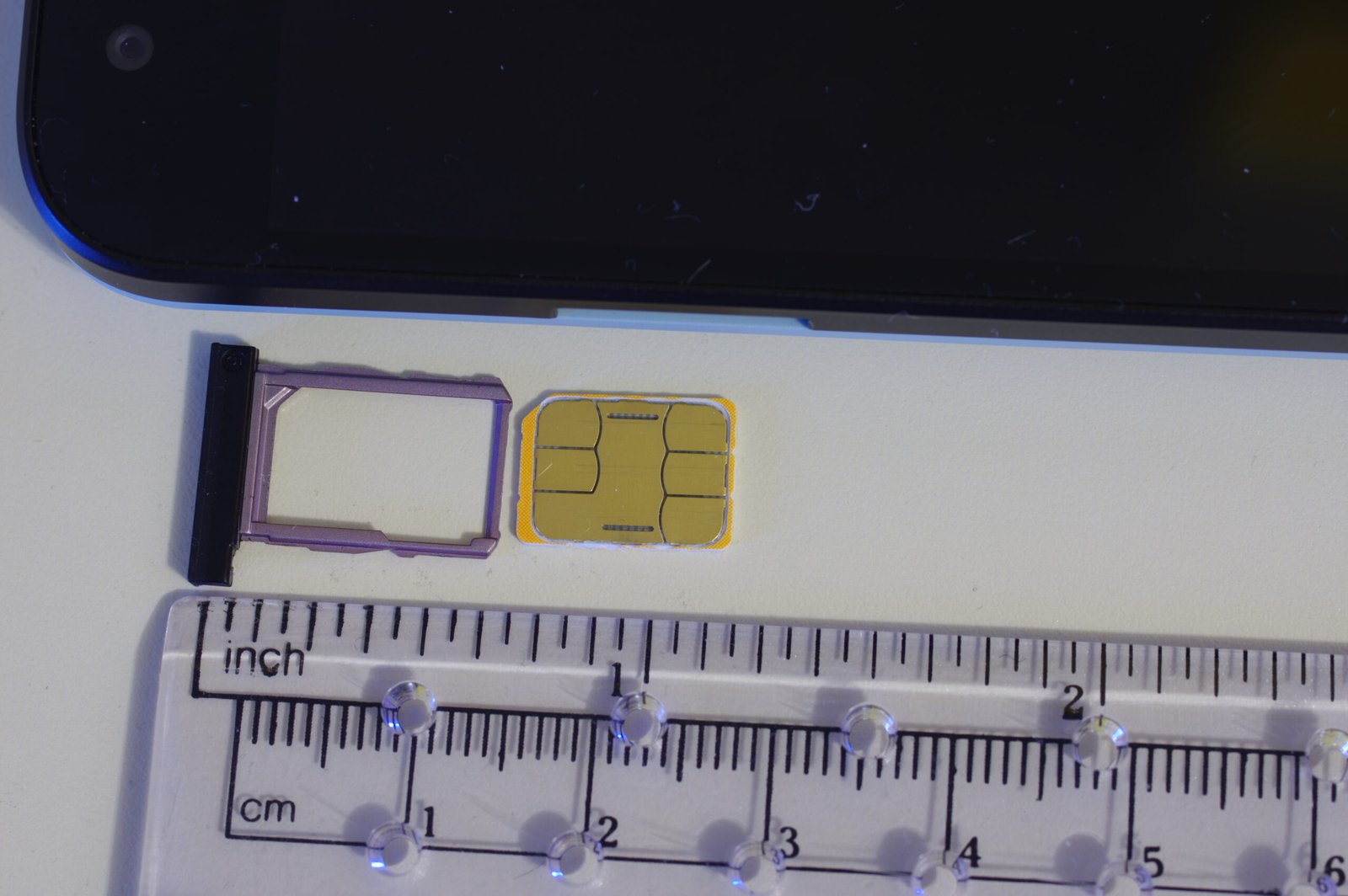
If your phone is a few years old, isn’t eSIM-capable, or is locked to a home carrier in a way that blocks a second digital profile, a physical prepaid SIM is the fallback. Your phone needs to be unlocked (ask your home carrier before you travel if you’re not sure), and you’ll need something to pop the tray open — most prepaid SIM kits include the little pin, but it’s easy to lose, so packing your own isn’t a bad idea.
Physical SIMs are sold at counters in the arrival areas of Kansai and Narita airports, at some electronics stores in central Kyoto and Osaka, and increasingly from vending machines near major stations. Most tourist-oriented plans are data-only, sized by a fixed amount of data or a fixed number of days rather than both, so check which limit applies before you overuse it on day two. Bring your passport — Japan now requires ID for every SIM and eSIM purchase, tourist plans included, so this isn’t something you can skip regardless of which option you choose.
Pocket Wi-Fi: Best for Groups and Multiple Devices
A pocket Wi-Fi router is a small battery-powered box that creates its own local Wi-Fi network using the Japanese cellular network, and up to around ten devices can connect to it at once. For a family or a group of friends traveling together, this is usually the better economics: one rental covers everyone’s phones, tablets, and laptops, instead of buying several separate eSIMs. It’s also the right call if someone in the group has an older phone that can’t take a Japanese SIM or eSIM at all.
The trade-off is that it’s one more thing to carry and one more thing to charge every night, and if the group splits up for part of the day — one person heading to a museum, another to a shop — whoever doesn’t have the router loses their connection. Most companies let you reserve online and pick the device up at an airport counter on arrival, then either drop it in a return box at the airport before you fly home or mail it back in a prepaid envelope.
Free Wi-Fi in Kyoto: Useful, But Don’t Rely on It Alone
Kyoto Station, the subway, and most convenience stores offer some flavor of free Wi-Fi, and apps like Japan Wi-Fi auto-connect can simplify logging into the patchwork of networks run by different companies. In practice, though, free Wi-Fi tends to disappear exactly when you need it most — standing at a bus stop deciding which bus to catch, or halfway up a temple approach trying to confirm an opening time. It’s a nice backup for checking email over a coffee, not something to plan a day of sightseeing around.
Which One Should You Actually Get?
Solo travelers and couples with a recent phone are usually best served by an eSIM — it’s cheap, it’s set up before you leave home, and there’s no device to lose or charge. Families and groups of three or more, or anyone traveling with an older phone, tend to come out ahead with a single pocket Wi-Fi split between everyone. A physical SIM sits in between: a reasonable choice if your phone isn’t eSIM-capable but you’d still rather have your own connection than share one router. None of these decisions is high-stakes — whichever you pick, you’ll be online well before you’ve worked out which platform at Kyoto Station leads to your first train, a question our Getting Around Kyoto guide covers in more detail.
If you’re landing at Kansai Airport and connecting straight on to Kyoto, it’s worth sorting out your data plan during that first hour at the airport rather than after — our Kansai Airport to Kyoto guide walks through the train and bus options for that leg, and having maps and transit apps working from the start makes the whole transfer less stressful. And if you’re traveling light enough to pick up a SIM or pocket Wi-Fi at the airport counter rather than your hotel, pairing that stop with our guide to luggage storage and forwarding means you can start sightseeing the same day instead of detouring to check in first.
Whichever option you go with, the cost is small enough that it’s rarely worth skipping to save money — a week of data runs a few thousand yen at most, which barely registers against the rest of a Kyoto trip’s budget. Our Kyoto on a Budget guide has more on where the real savings in a trip here tend to come from, and connectivity generally isn’t one of the places worth cutting corners.
Bottom Line
An eSIM installed before you fly is the simplest route for most visitors, a physical SIM is a fine fallback if your phone can’t do eSIM, and a pocket Wi-Fi earns its keep once more than two people are sharing a connection. Sort it out before you land, and the rest of the trip — buses, reservations, maps, all of it — just works.